Side navigation
The Side navigation widget displays a menu of links that customers can use to move around your retailer site. Customers open the menu from a toggle in the header.
The following image shows the Side navigation toggle in a retailer header. The Search bar widget appears next to the toggle.

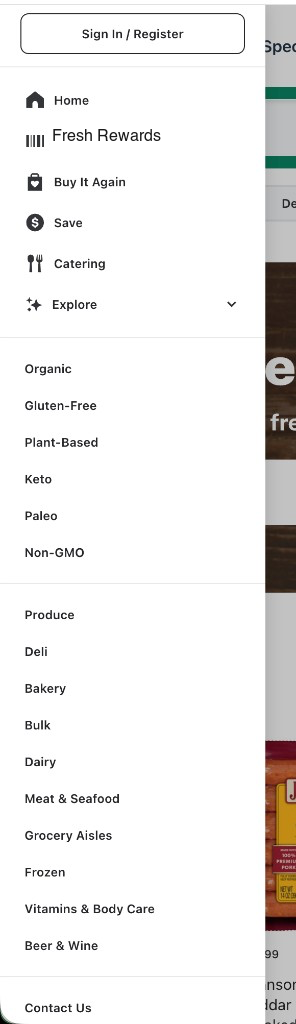
The following image shows the open side navigation menu:
Configurations
Use the following custom HTML element to embed the Side navigation widget:
<instacart-side-nav></instacart-side-nav>
Configure the menu sections, including names, icons, and links, in Instacart Platform Portal. For more information, see Side Nav Widget configuration.