Set up display campaigns
To create a new campaign:
-
Click Create Campaign in the top-right corner.
-
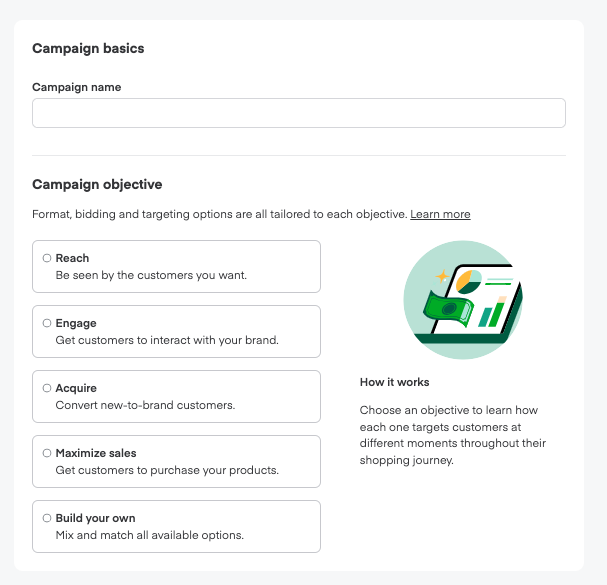
Type a descriptive Campaign name. Use naming conventions that will help you easily organize your new, current, and future campaigns.
-
Select your Campaign objective. Campaign objectives determine which ad formats and settings will best serve your campaign. You can create a mix of campaigns with different objectives to reach every stage of the consumer journey. Learn more about campaign objectives.
- Choose Reach to access the display ad format with behavioral targeting.
- Choose Engage to get consumers to interact with your brand through keyword targeting.
- Choose Maximize sales to show up on premium shelf space to consumers most ready to act.
- Choose Build your own to access the display ad format with either behavioral or keyword targeting.
-
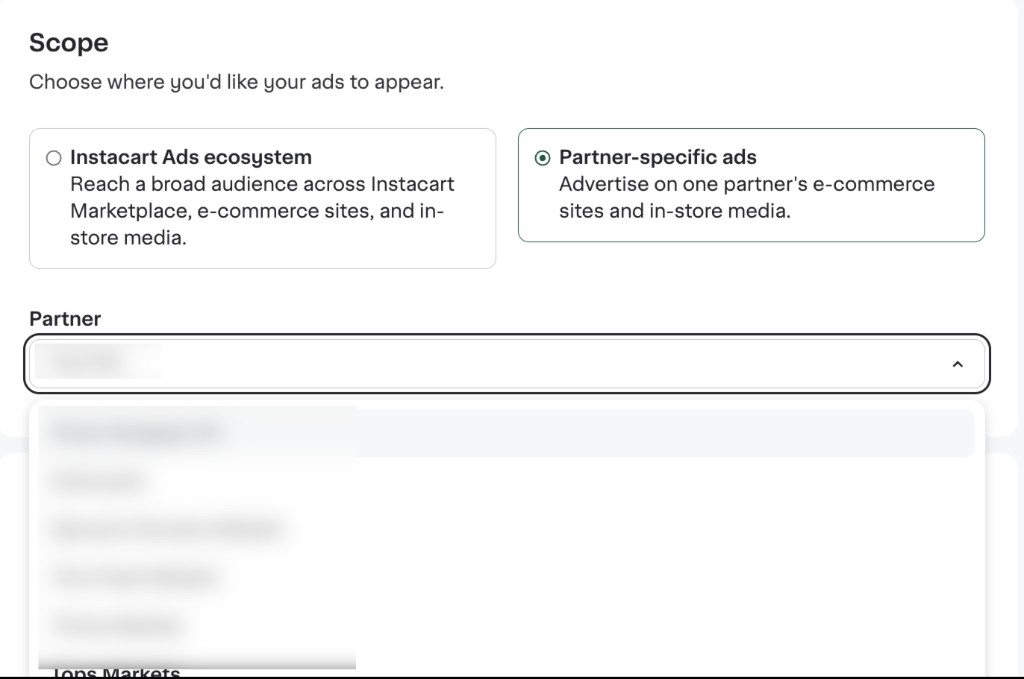
Choose the campaign Scope. Decide whether you want to set up an ecosystem campaign or a partner-specific ads campaign.
- For partner-specific ads, select a partner. After choosing your objective and scope, you can pick a partner from the list. Only partners that support the available formats for partner-specific ads will appear in the list.
-
Choose Display ad as the Campaign ad format.
- Each campaign contains one ad format type. If you want to run a display ad AND a shoppable display ad, you need to create two separate campaigns.
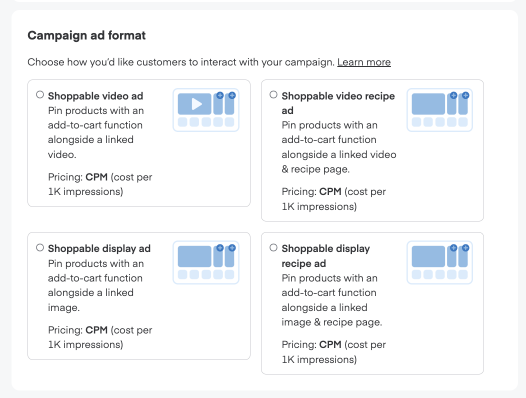
- For shoppable videos, choose Shoppable video ad as the Campaign ad format. Learn more about setting up shoppable video ads.
- Each campaign contains one ad format type. If you want to run a display ad AND a shoppable display ad, you need to create two separate campaigns.
-
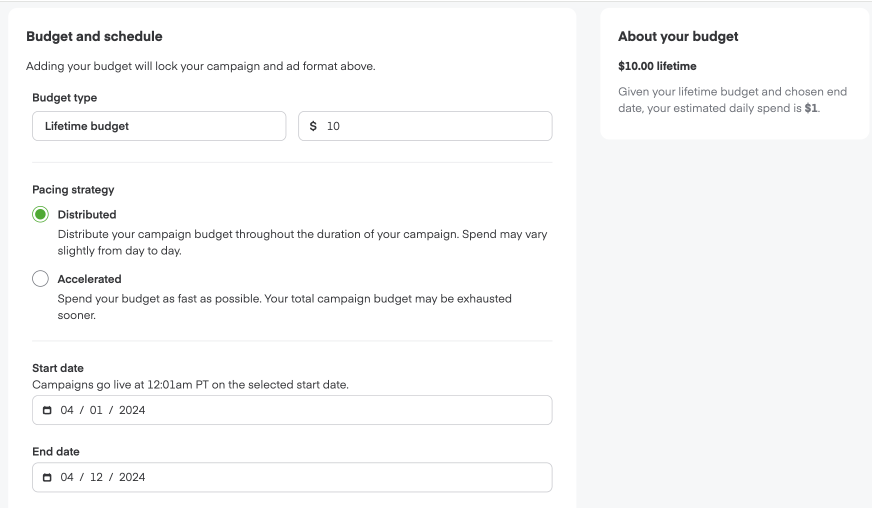
Add your total campaign budget. All the campaign's ad groups share this budget.
-
Select a budget pacing strategy. You can choose between two options:
- Distributed. Spends your campaign budget throughout the campaign duration (spend may vary from day to day).
- Accelerated. Spends your budget as fast as possible—which might mean your total campaign budget exhausts sooner.
-
Select a start and end date for your campaign.
- Distributed pacing requires selecting a campaign end date. For Accelerated pacing, an end date is optional.
-
Select your Audience. You can choose:
- Optimized performance. We will continuously adjust your audience to drive results. Learn more about reviewing audience insights.
- Manual. You will input and adjust your audience manually.
-
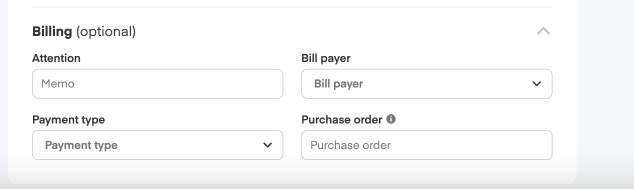
You may optionally add your billing details in the Billing section.
From here, you can create your display ad group on the new campaign's page.